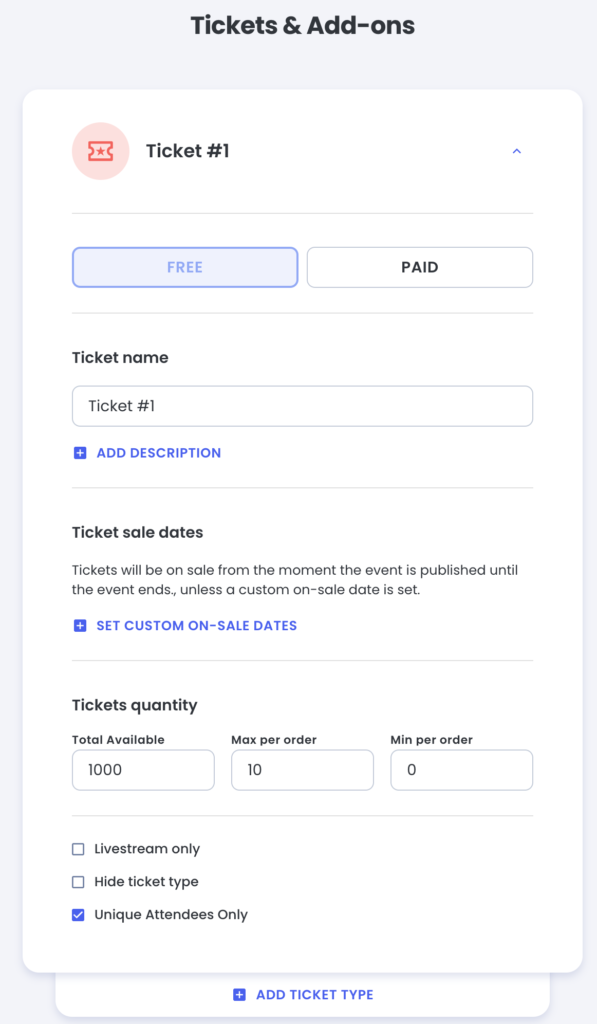


Now the default settings on events is set such that no two tickets can be registered to the same Registrant First Name + Last Name + Registrant Email.
If checked, then during checkout, when answering the Attendee First Name / Attendee Last Name – there is validation preventing buyer from using the same First/Last combination as another ticket in the checkout
This can be unset by checking a box in the Ticket Settings.
This only independently for each Ticket Type.
(Ex: If there is an Adult Ticket and a Kids ticket, and both are set to Unique Attendees Only, it is still possible to Register the same person for each ticket 1 time each.