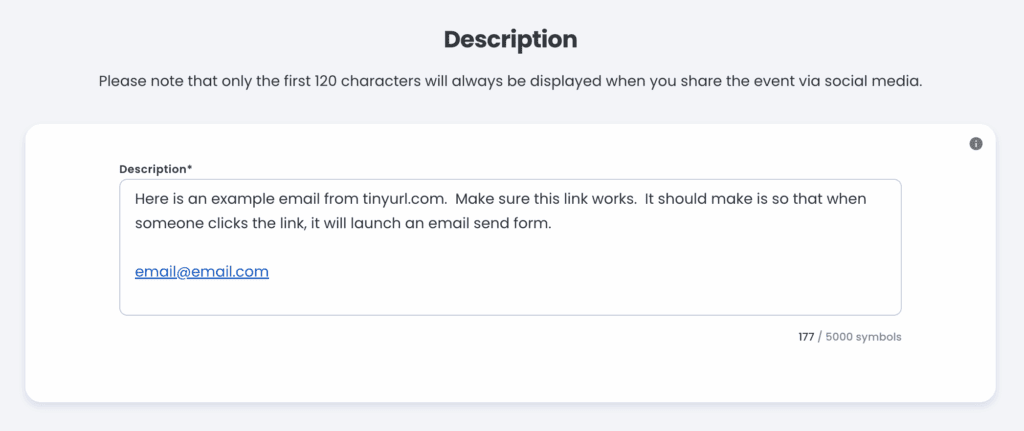


Jlive does not yet natively support mailto:[email protected] links. This means in your Event Description or Messages you can not automatically trigger an email to be sent. Jlive requires a link that actually takes the user to a website. But there is a simple workaround that fixes this.
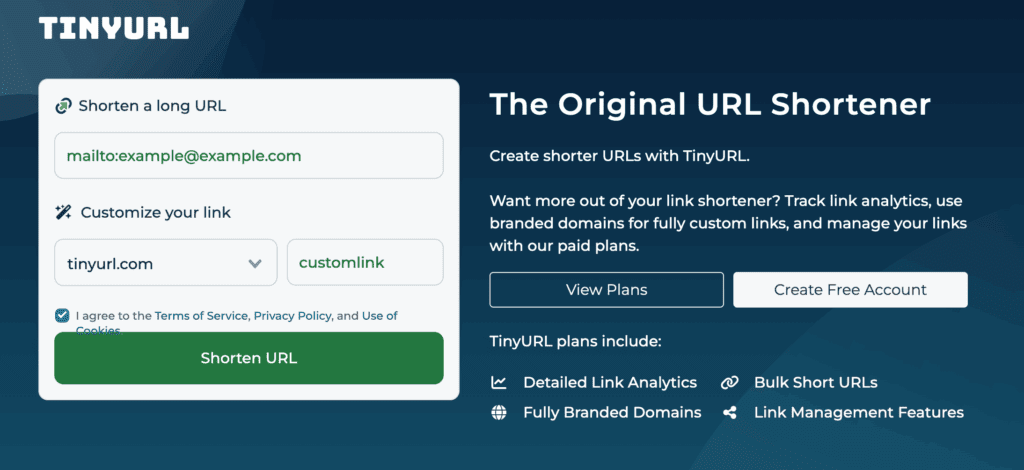
- Go to TinyUrl.com.
- Enter “Mailto:[email protected]” and some short URL of your choice
- Generate LINK
- Use this link in Jlive
This will allow people to click a link in your Event Descriptions or Messages that link to: