

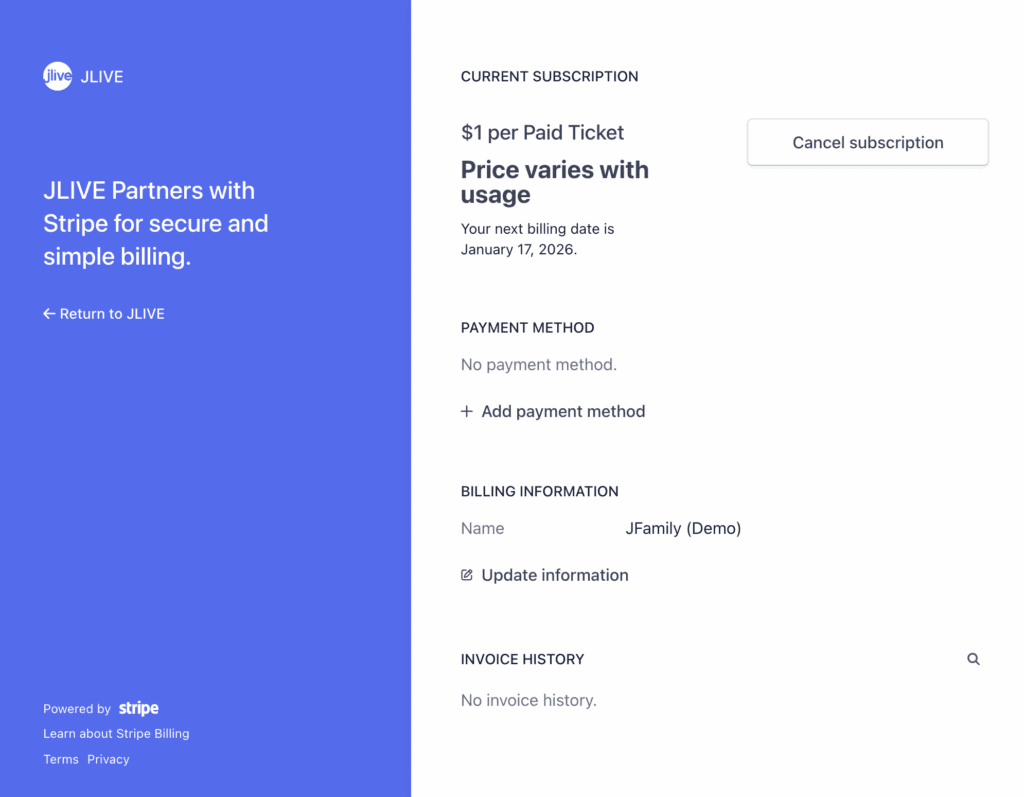
In some markets Jlive will begin charging organizations $1 per Paid Ticket. In order to enable this, the organization Admin must visit the /Billing page and choose [Upgrade]. This will launch, in a new tab, the Stripe Customer Portal to add a Credit Card to be billed monthly. This is also where Invoices can be downloaded and changes can be made to the subscription.
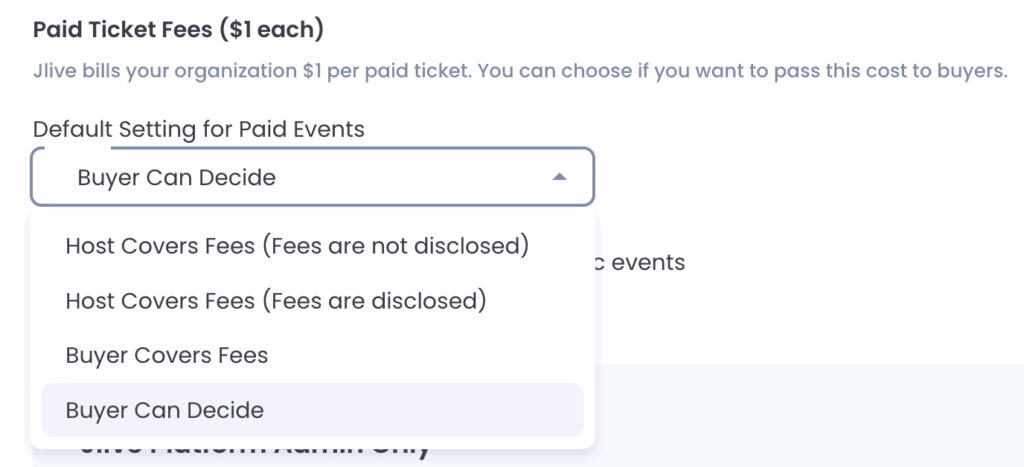
On the Organization Settings you can set whether you want Buyers to cover the Fees or i you want Buyers to have the choice.
Here is how it looks on the Check Out when the event is set to allow the Buyer to Decide whether or not to cover the $1 per paid ticket fees.

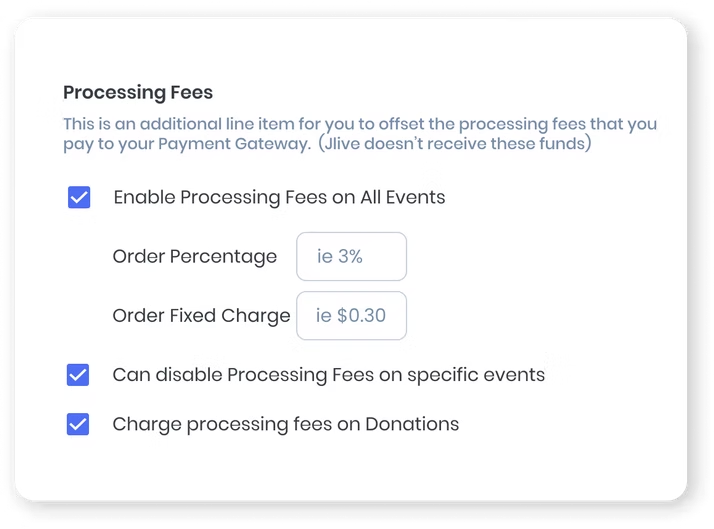
In addition to collecting $1 from the Buyer to cover the Jlive Fees, Organizations can also recoup the Credit Card Processing Fees charged by their Payment Gateway.
On the Organization Settings page, the Organization Admin can choose to enable Processing Fees on All Events and set the Order Percentage and/or Order Fixed Charge. They can also decide to allow this to be disabled on specific events as well as whether the fees are applied to Additional Donations made during Checkout.